CivilCADBench Sample Viewer
Understand · Reconstruct · Design

CivilCADBench

Benchmarking Multimodal LLMs for Civil Engineering Drawing Sets

Real infrastructure drawing sets and source CAD files containing over 250,000 entities. CivilCADBench evaluates whether frontier models can read a set, rebuild the editable CAD file hidden behind a monochrome print, and design a new sheet under updated parameters.
Explore Sample Viewer See Leaderboard Paper Soon Code & Data Soon
one set · five pages

L1 · Rebuild a page. One monochrome print in, one editable DXF file out, recovering all nine named layers, live dimensions, and text.

L2 · Rebuild a set. All five pages in one agentic run, one DXF per page. Shared members must keep identical dimensions and bar numbers across sheets.

L3 · Design a page. Page 1 is given as a CAD file. Draw page 2 for a wider, skewed abutment back wall: bar counts, bar lengths, and the quantity table must all update.

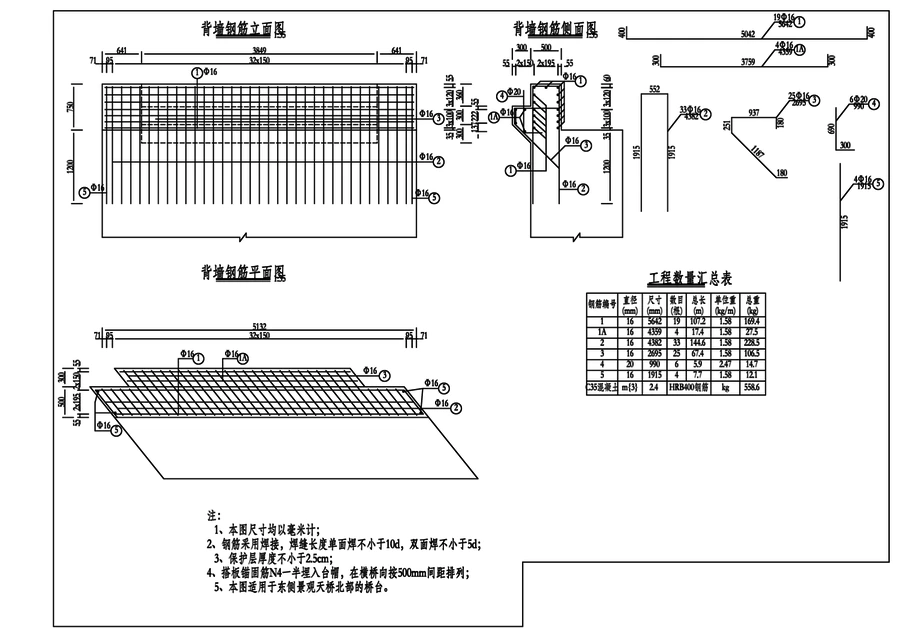
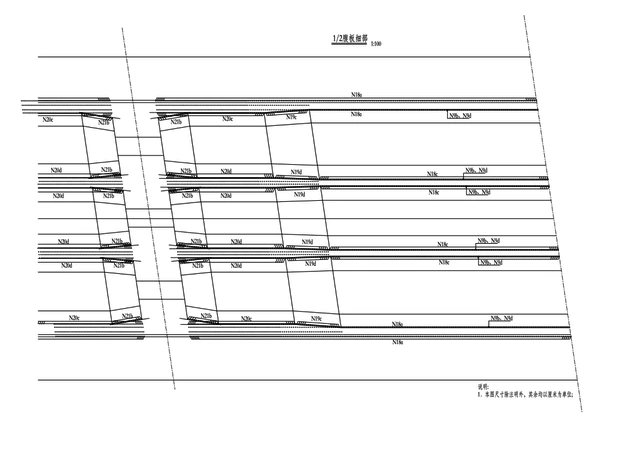
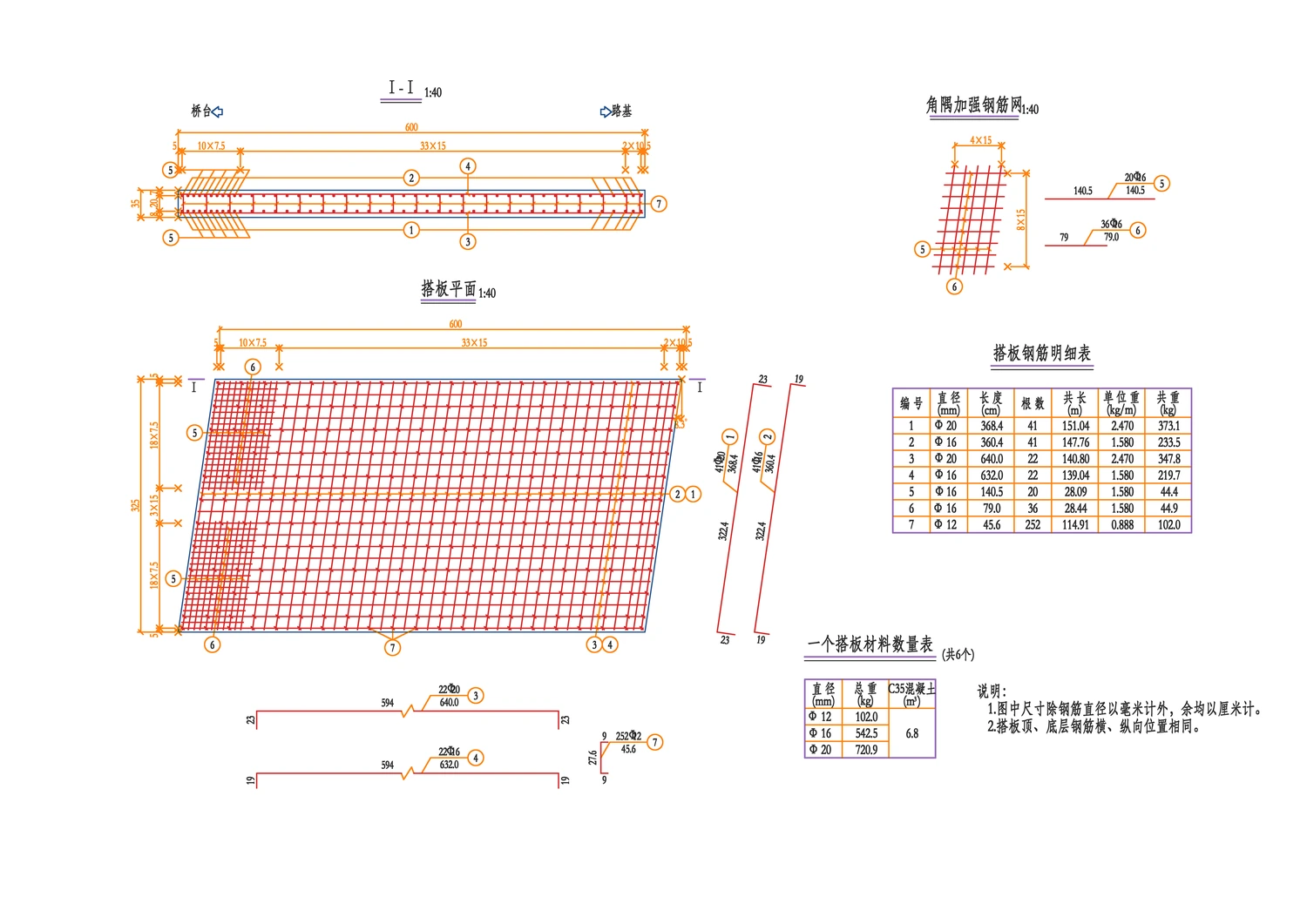
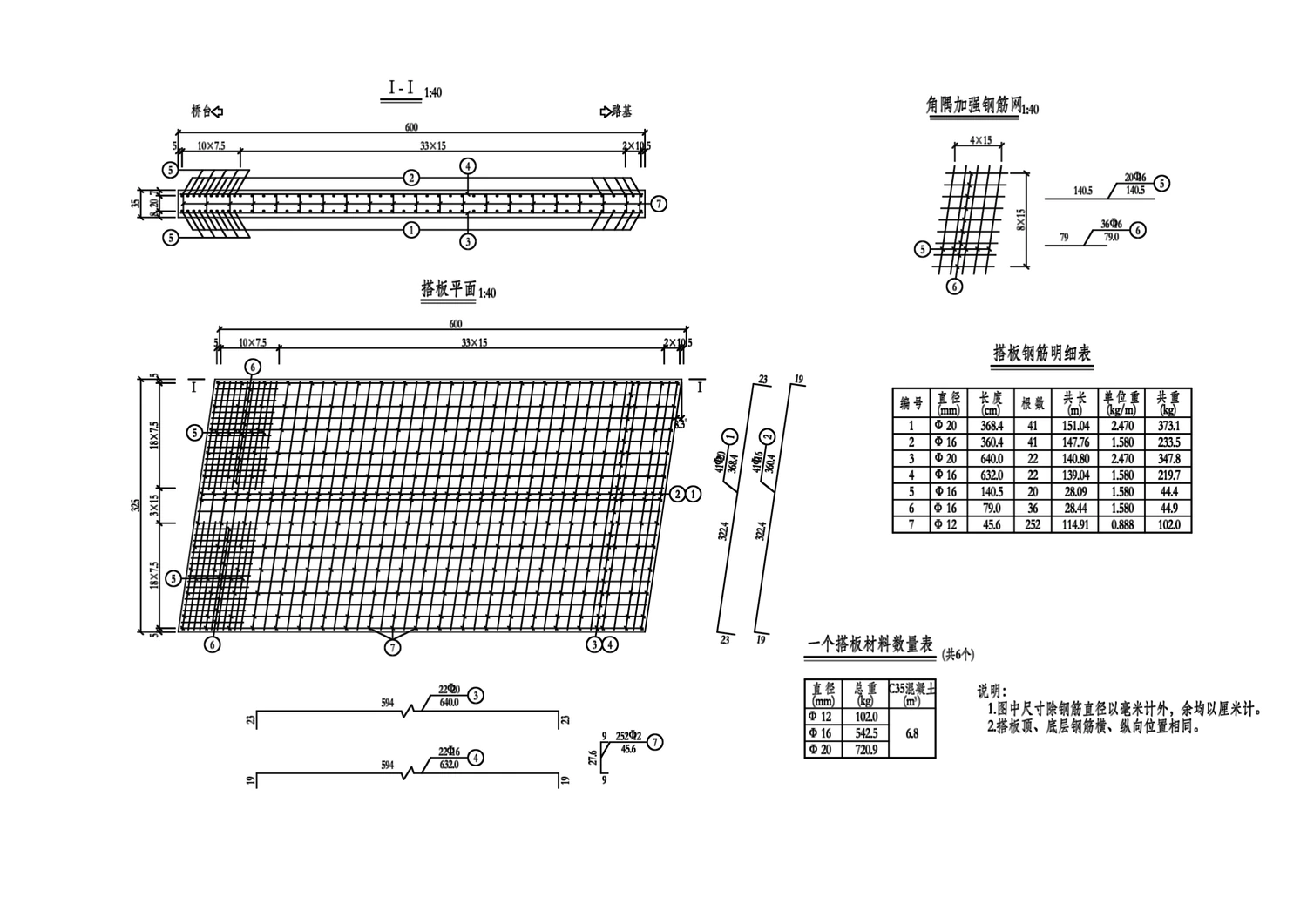
The designers' CAD file of page 2, coloured by layer. Page 2 as a monochrome print, the input the model receives. Input · monochrome print Target · layered CAD file
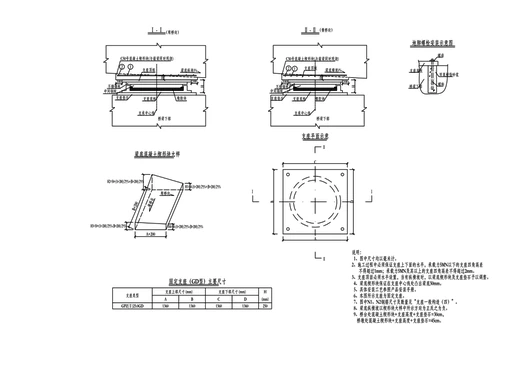
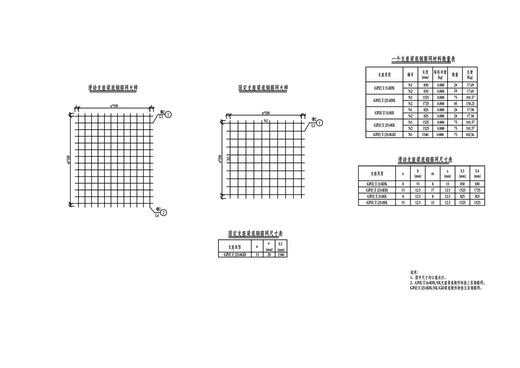
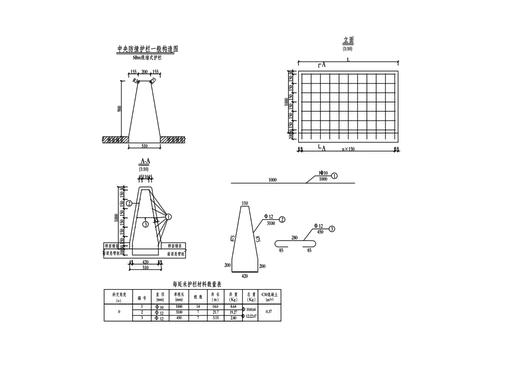
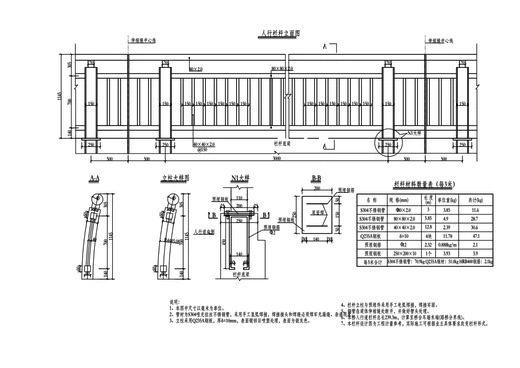
Each of the five pages is a taskclick a thumbnail to switch page
Main bars 3,430 → 5,042 mm · plan turns skew reinforcement dimensions outline hidden lines symbols text drag slider to compare
257.7kCAD entities (median 523/page)
1,800Single-Sheet questions
383Multi-Sheet parents · 1,953 probes
232L1 pages to rebuild
28L2 whole sets (230 pages)
19L3 parametric design tasks
Results

Models redraw the print. They lose the file.

We evaluate seven frontier MLLMs at high reasoning effort. The strongest model reads and traces printed content accurately, yet recovers far less of the hidden structure that printing discards.

91.2L1 Page Score
Best single-page reconstruction score (GPT-6 Astra; geometry F1 reaches 95.5)
59.9Layer-Aware F1
The same model's layer-aware F1 on those pages: layers leave no trace in pixels
47.9L3 Design Recall
Under half of parameter-changed values are computed correctly on new designs

    † pages sent with 2×2 tiles
    Finding 01Tracing a page does not recover its layersThe highest layer-aware F1 comes from GLM-5.3-Flash (70.8), not the models that trace best. It retains 86% of its geometry F1 when layers are required, versus 63% for GPT-6 Astra.
    Finding 02Whole sets degrade almost every modelA page scores 3.4–4.5 points lower inside a set than alone for GPT-6 models, and 22–29 points lower for GPT-5.6 Sol and the larger open models as effort is spread thin.
    Finding 03On design, editing costs more than it gainsThe two best models write under half of changed values right (47.9% and 49.1%). Copying the reference page unchanged beats their page scores by 6.0 and 8.9 points.
    Full Benchmark Resultsbest value per column highlighted in blue
    vs. alone L2 page score minus L1 score on the same pages vs. copy L3 page score minus copying the reference page unchanged † pages sent with 2×2 tiles
    Qualitative Analysis

    Where frontier models actually fail

    Inspecting generated DXF files side by side with the designers' source files exposes three distinct failure modes that pixel metrics miss.
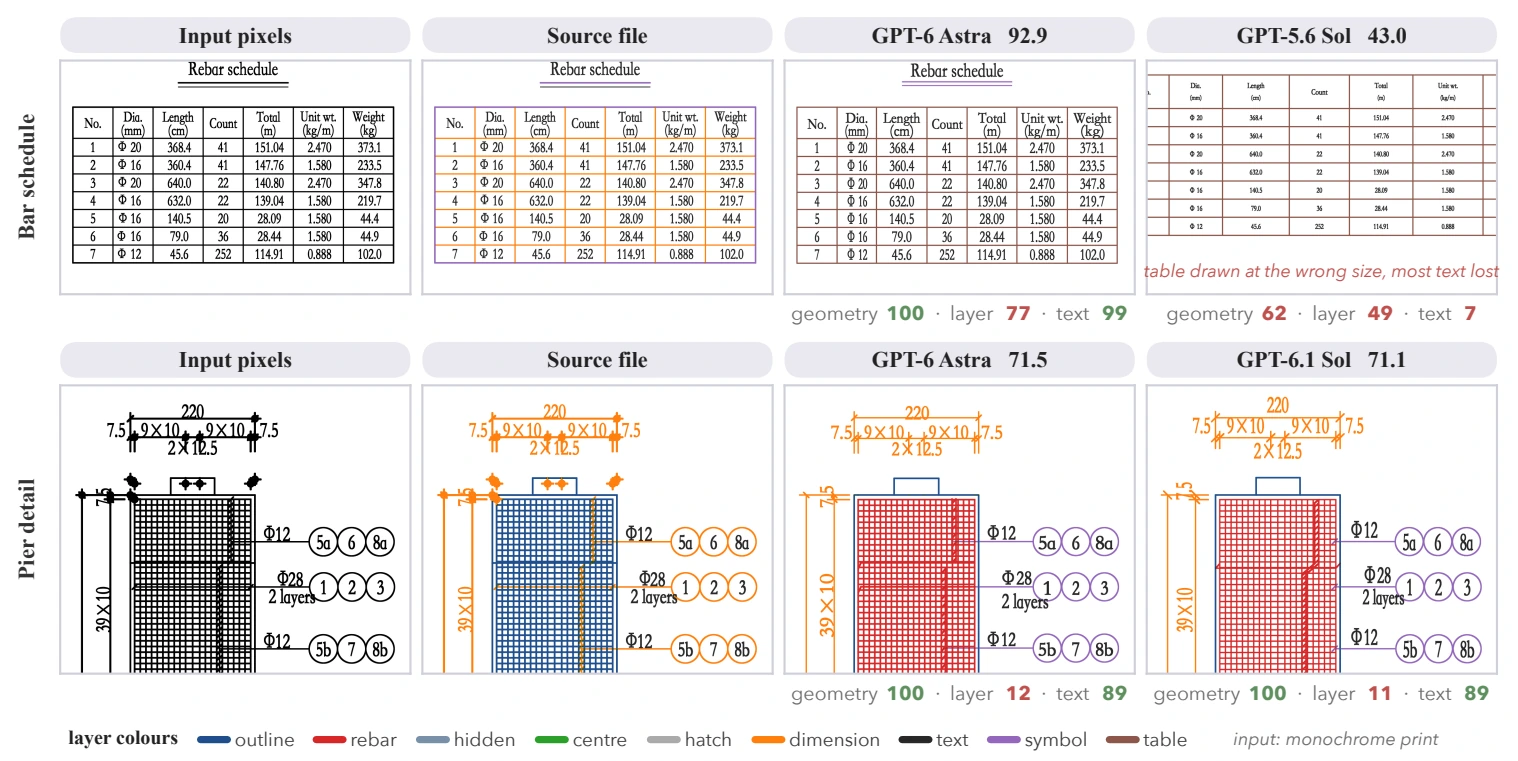
    Qualitative comparison of L1 single-page reconstruction.

    L1 Single-Page Reconstruction: Geometry F1 100, Layer F1 12

    On the bar schedule (top), GPT-6 Astra reproduces every cell accurately while GPT-5.6 Sol mis-scales the table and loses most text. On the pier detail (bottom), both GPT-6 models trace every line (geometry F1 100), yet place reinforcement on the wrong layer (layer-aware F1 12 and 11).

    100Geom F1
    12Layer F1
    Tasks

    Three task families, in rising difficulty

    Each family starts from the printed sheet and demands one more layer of engineering structure that plotting discarded.

    01 · Understanding

    Tie every printed value to the object it describes

    Six-option multi-select questions (1–4 correct, chance 1/56) reviewed by three civil engineering experts. Every wrong option encodes one named misbinding refuted by the drawing.

    • Single-Sheet1,800 items over one page across six binding types: instance, cross-view, table, datum, scope, and view.
    • Few-Sheet383 multi-sheet parent questions given evidence pages plus two look-alike decoy sheets.
    • Full-Set330 parents posed over the whole ~30-page unit, where the model searches pages with a zoomable viewer.
    • ProbesShort-answer read & bind probes (1,953 / 1,989) separate reading individual facts from composing them.
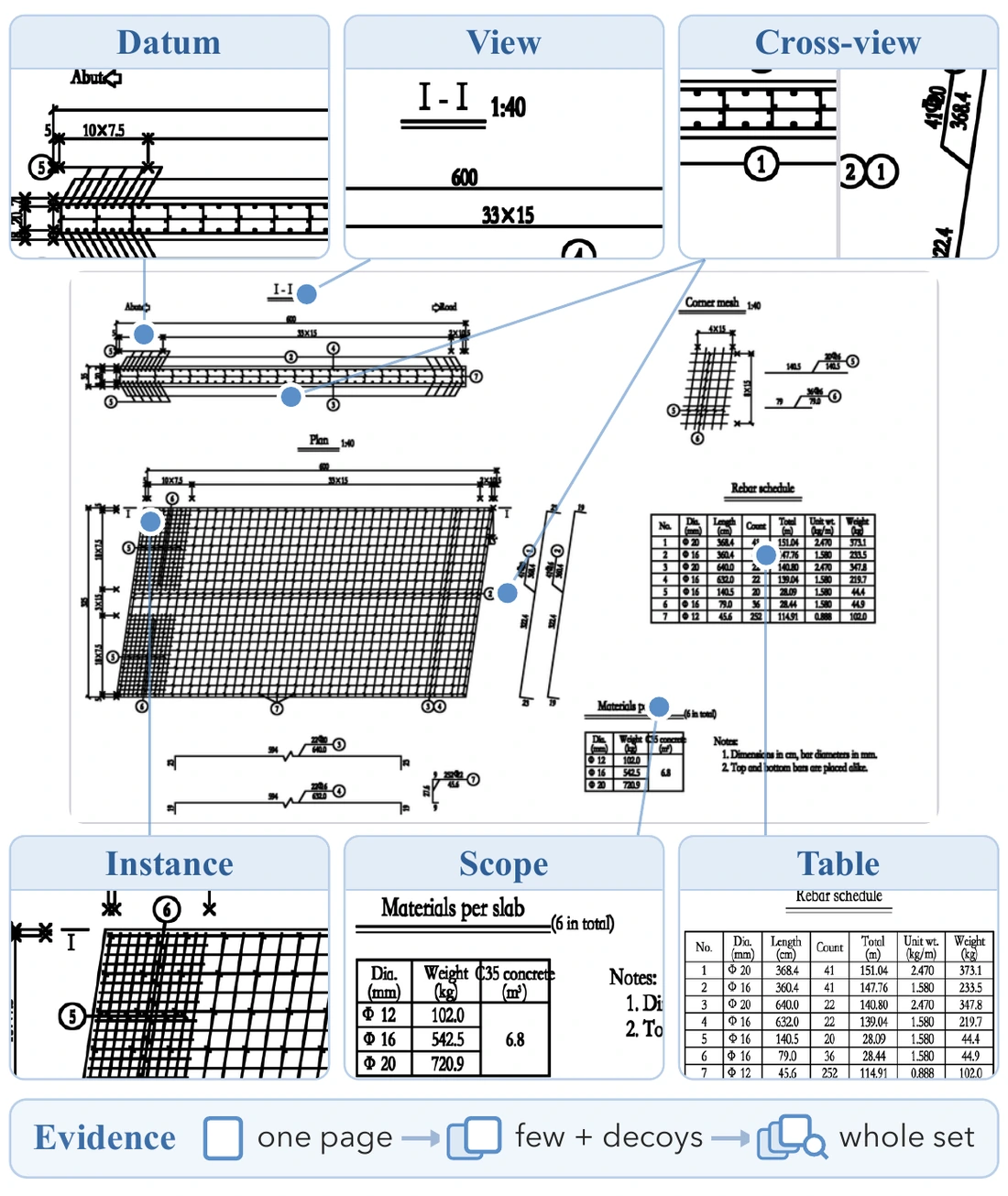
    Single-Sheet items by binding type (1,800 total)
    instance 879cross-view 362table 187datum 185scope 94view 91
    A drawing page with six kinds of binding points marked: datum, view, cross-view, instance, scope and table.
    Six binding types on one sheet2,183 expert-reviewed questions
    02 · Reconstruction

    Rebuild the editable CAD file behind the pixels

    Given only a 200 dpi monochrome raster with no vector or text layer, the agent writes Python / ezdxf code in a sandbox to output a layered DXF with live dimensions.

    • L1 · Page232 bridge and tunnel sheets across small (108), medium (96), and large (28) entity-count tiers.
    • L2 · Set28 complete drawing sets (5–14 pages each, 230 pages total) requiring cross-sheet consistency.
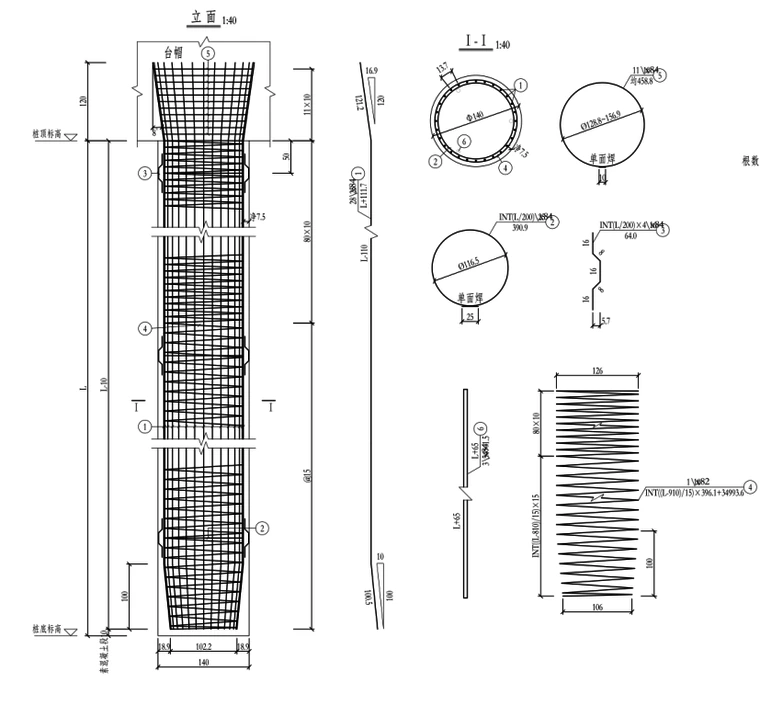
    Nine standardized functional layers
    outline reinforcement hidden centre hatch dimensions text symbols tables
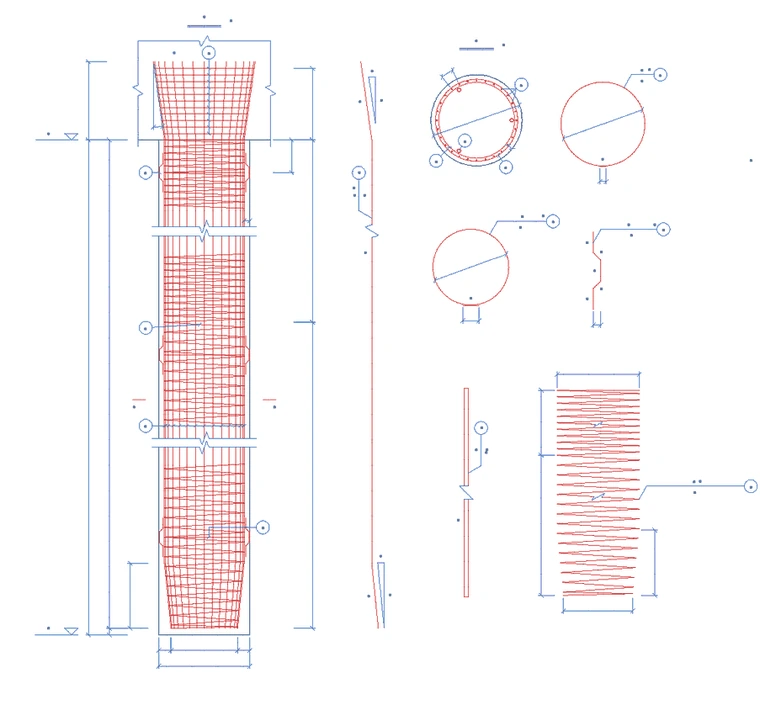
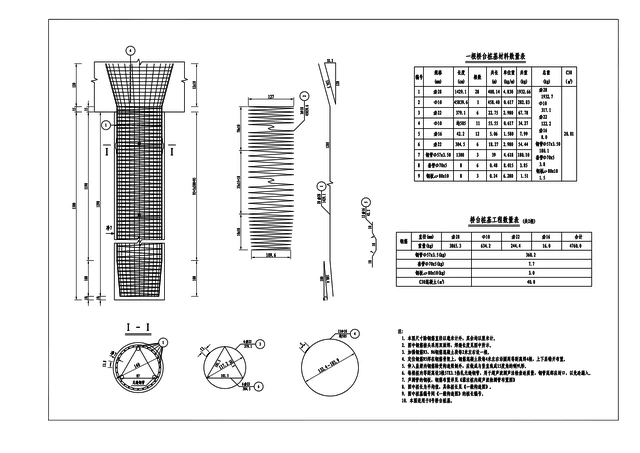
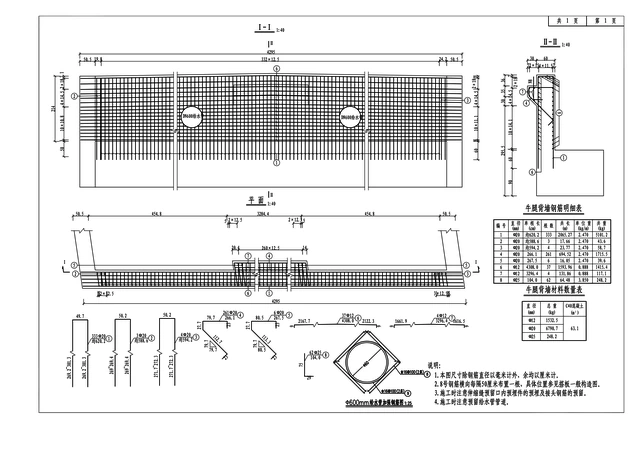
    A pile reinforcement page as a monochrome raster.L1 input · monochrome raster
    →
    The same page as a CAD file coloured by layer.Target · 9-layer DXF file
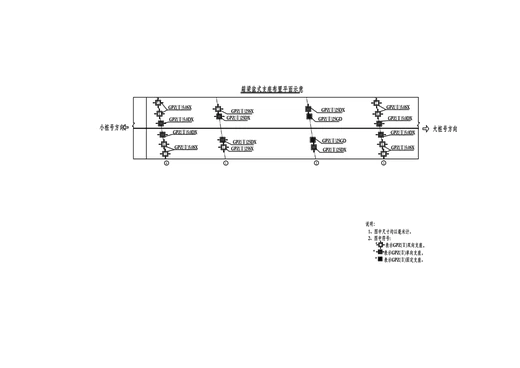
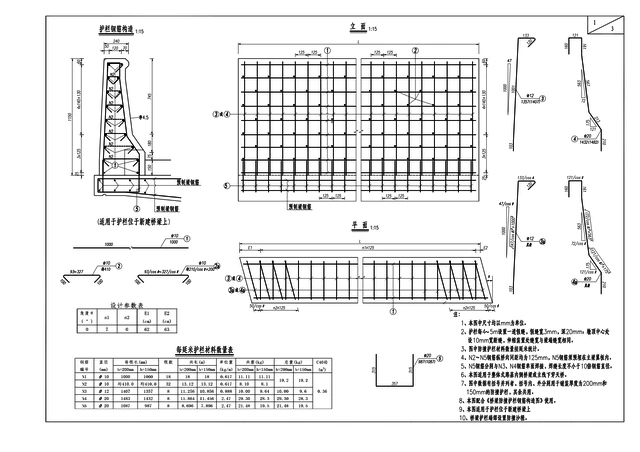
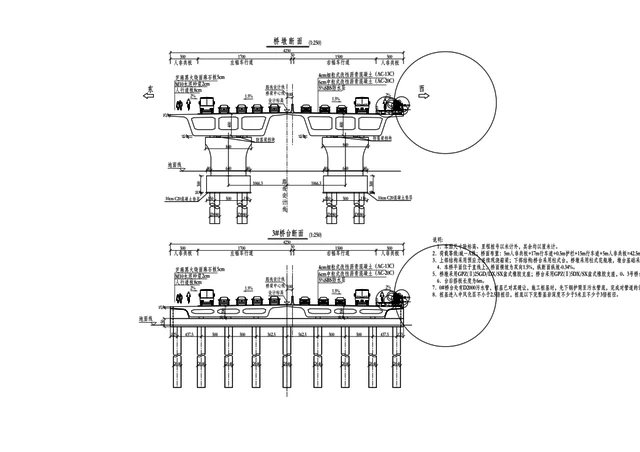
    Page 1 of a seven-page set. Page 2 of the set. Page 3 of the set. Page 4 of the set. Page 5 of the set. Page 6 of the set. Page 7 of the set.
    L2 input · all 7 pages of one set → one consistent DXF per page
    232 L1 pages28 L2 sets (230 pages)
    03 · Design

    Derive a new sheet under updated parameters

    Mirroring real design-office workflows, a derived sibling sheet is withheld as ground truth while the agent receives the reference DXF, context rasters, and new member parameters.

    • L3 · Design19 parametric design tasks where bar counts, lengths, geometry, dimensions, and schedule totals must all update coherently.
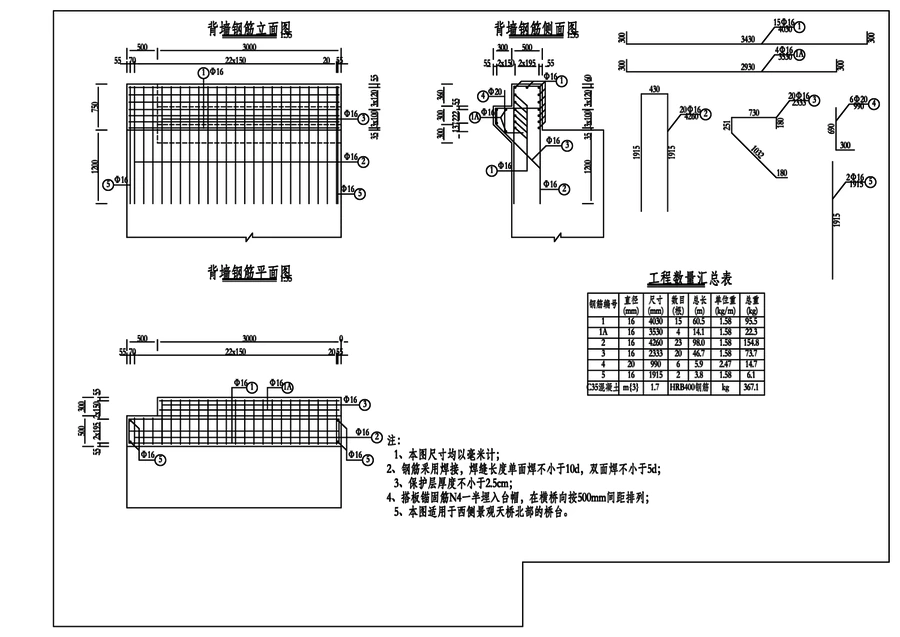
    Reference page given to the model.Given · reference sibling DXF
    →
    Withheld designers' page for updated parameters.Withheld · designers' target sheet
    Same member, new parameters19 L3 tasks
    Protocol & Scoring

    Sandboxed agent loop, deterministic file-to-file scoring

    Agents write and execute code inside an isolated container, preview their rendered DXF against the input, and submit once. Scoring uses zero LLM or VLM judges.

    Receive200 dpi raster page(s), task card fixing paper-mm coordinates & 9 layers, and Python/ezdxf tools.
    DrawThe agent writes and runs its own scripts inside the sandbox to author an editable DXF file.
    Self-CheckPlots its DXF in the monochrome input style and visually diffs it against the input before submitting.
    Score File-to-FileThe external scorer aligns entities against the designers' source file and computes 5 weighted F1 components.
    Page Score Formulaweights sum to 1.00
    • Geometry F1curves sampled at 0.25 mm, matched within 1 mm on paper0.25
    • Layer-aware F1matched geometry points on the exact same target layer0.30
    • Layer sharefraction of entities placed on the nine allowed layers0.10
    • Text F1strings within 6 mm, similarity ≥ 0.8, identical numbers0.20
    • Dimension F1dimension labels matched by value and position0.15
    L2 Sets · Shared-Value RecallShare of source values repeated across multiple pages of a set that the output also reproduces consistently.
    L3 Design · Design RecallShare of values changed by the new parameters (identified by diffing the withheld sheet against its sibling) that the output computes accurately.
    Understanding · Exact Match & ProbesMulti-select items require exact set match (chance 1/56). Typed probe scorers compute Local Coverage (LC) and Compositional Accuracy (CA).
    Strict Sandbox IsolationThe source DWG, ground-truth DXF, and deterministic scorer remain strictly outside the agent container.
    Interactive Explorer

    Inspect the benchmark data yourself

    Browse a fixed-seed, stratified sample drawn without looking at any model result, complete with Chinese originals, English translations, wrong-option explanations, layer plots, and fault-injection tables.
    60 Single-Sheet items 10 Multi-Sheet parents 62 Probes 6 L1 pages 1 L2 set 1 L3 design task
    Open Sample Viewer
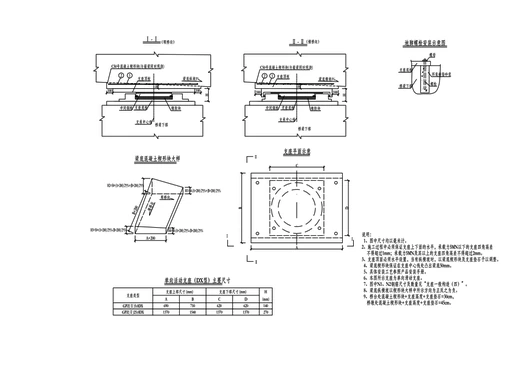
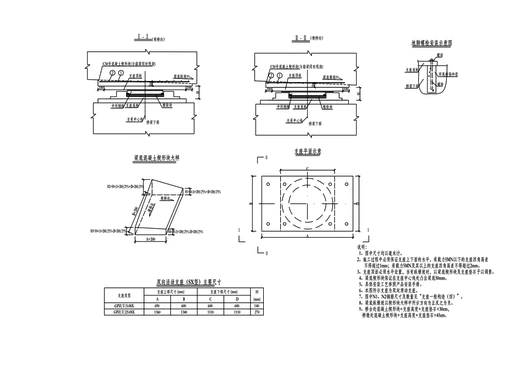
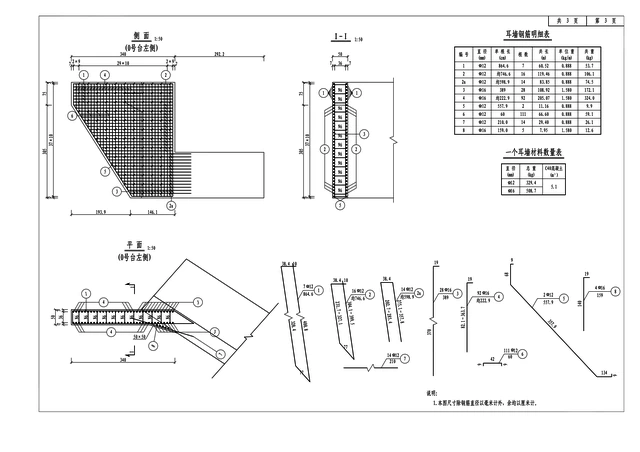
    Sample drawing page 1. Sample drawing page 2. Sample drawing page 3. Sample drawing page 4. Sample drawing page 5. Sample drawing page 6.